


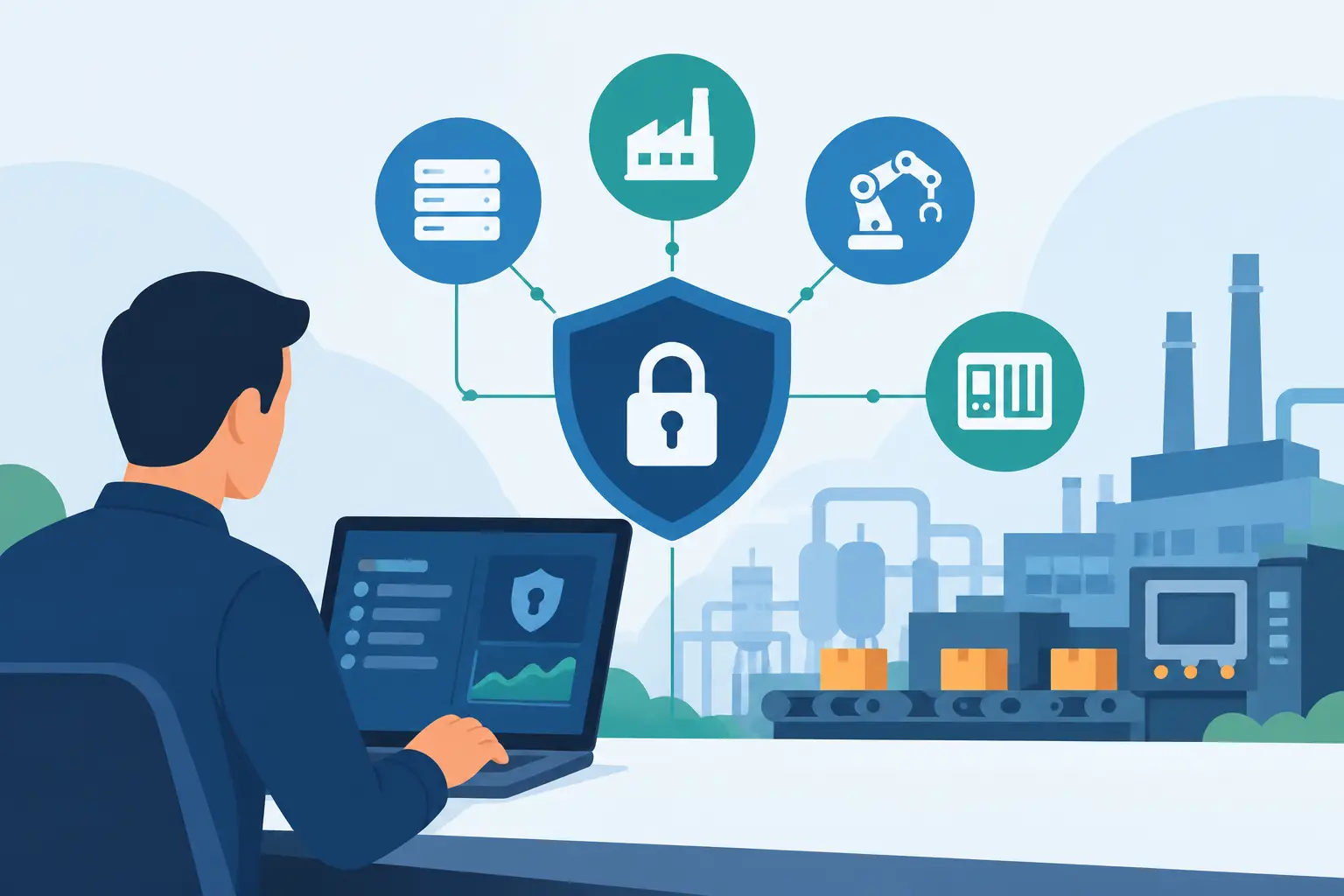
A ransomware event in a business network is bad. A ransomware event that stops a production line, disrupts water treatment, or locks out a building automation system becomes an operations, safety, revenue, and reputation problem at the same time. This operational technology security guide is built for MSPs, MSSPs, VARs, and integrators that need to protect those environments without breaking the equipment their customers depend on.
OT security is not IT security with a few industrial acronyms added. The priorities are different. In IT, confidentiality often leads the conversation. In OT, safe and continuous operation usually comes first. A security control that causes a controller to miss a timing requirement or takes a critical workstation offline at the wrong moment has failed, even if it looked good on a compliance checklist.
Start With the Operational Reality
Operational technology includes the systems that monitor or control physical processes: programmable logic controllers, human-machine interfaces, industrial control systems, building management platforms, manufacturing execution systems, sensors, cameras, and the engineering workstations used to program them. These systems often run older operating systems, use specialized protocols, and stay in service for decades.
That longevity creates a hard truth: many OT assets cannot be patched on an IT timetable. A controller may require a maintenance outage that happens twice a year. A vendor may no longer support the operating system. A patch may require revalidation of a regulated process. Pretending every device can follow the laptop patch policy is how teams create downtime while trying to reduce risk.
The first job is to understand what the environment does, who owns it, and what cannot fail. Security teams need plant operators, facilities managers, engineers, and vendors in the room. If the people responsible for uptime are surprised by the security plan, the plan is not ready.
Build an Asset Inventory That Operations Trusts
Most OT programs begin with incomplete asset data. Spreadsheets list a few servers but miss unmanaged switches, remote access appliances, vendor laptops, serial-to-IP converters, and controllers tucked into panels. You cannot defend equipment that nobody knows exists.
Build an inventory around operational consequences, not just IP addresses. For each asset, capture its owner, location, function, manufacturer, firmware or operating system, network connections, maintenance window, support status, and recovery method. Then identify what happens if that asset is unavailable, manipulated, or fed bad data.
Passive discovery is generally the safer starting point. Active scanning can be useful, but it must be approved, tested, and scheduled with operations. An aggressive scan against a fragile device is an expensive way to learn that IT tools have limits.
Prioritize assets that create the biggest operational exposure. That commonly includes:
- Engineering workstations that can change controller logic
- Remote access paths used by vendors and maintenance teams
- HMIs and supervisory servers that operators rely on to see and control processes
- Domain services, virtualization hosts, and backup systems supporting the OT zone
- Network devices that bridge IT, OT, and third-party connections
Design Segmentation for Failure Containment
Flat networks turn small mistakes into major incidents. If a phishing compromise on a corporate workstation can reach an HMI or engineering workstation, the organization has handed an attacker a shortcut toward physical operations.
Segmentation is the practical control that limits that shortcut. Separate enterprise IT, industrial DMZ, supervisory systems, control networks, and safety systems according to the environment’s actual architecture. Restrict traffic between zones to known business requirements. If a connection cannot be explained by an operator, engineer, or application owner, it should not be open by default.
An industrial DMZ is not decorative network art. It should broker required services between enterprise and OT systems, such as data historians, file transfer, patch staging, jump hosts, and remote support. Direct remote desktop access from a corporate subnet to a control workstation may be convenient, but convenience is not a compensating control.
Segmentation also needs to account for vendor support. Many manufacturers require remote access to maintain systems, and some customers cannot realistically eliminate it. The answer is not an all-or-nothing ban. Use dedicated access paths, named accounts, multifactor authentication, time-bound approval, session logging, and a jump host that keeps vendor devices away from the control network. It depends on the process and vendor tooling, but shared credentials and always-on VPN access should be treated as risk debt, not normal operations.
Control Identity Before It Controls You
OT environments have a long history of generic accounts, shared administrator passwords, and contractors who retain access after the project ends. Those practices make incident investigation painful and make lateral movement easy.
Start by identifying every human and machine identity that can access OT systems. Eliminate shared accounts where the platform allows it. Where older equipment requires a shared account, place compensating controls around it: a password vault, check-out approval, session recording, and a documented owner. The goal is accountability without forcing unsupported changes into critical devices.
Multifactor authentication belongs at every remote entry point and privileged management path that can support it. For systems that cannot support modern identity controls, protect the route into them. A hardened jump server with strong authentication and limited authorization is far safer than exposing a legacy HMI to a broad internal network.
Access must reflect function. An operator should not receive engineering privileges simply because it is easier during a shift change. A vendor should not have unrestricted visibility into systems unrelated to their equipment. Least privilege is not glamorous, but it reduces the blast radius when credentials are stolen or misused.
Make Vulnerability Management Operationally Safe
A vulnerability report with thousands of findings is not a security strategy. OT vulnerability management needs context: exploitability, exposure, operational impact, vendor guidance, and feasible maintenance windows.
Classify findings by risk to the process, not only CVSS score. An internet-exposed remote access device with a known exploit may deserve immediate action. A legacy component on an isolated segment may need a planned compensating control while the organization waits for a shutdown window. Both require ownership and a decision, but they do not require the same response.
When patching is possible, test it against representative systems and coordinate the change with operations. When it is not, reduce exposure through segmentation, application allowlisting, restricted services, removal of unused software, hardened remote access, and monitored backups. Document accepted risk with an expiration date. “We cannot patch it” is a constraint, not a permanent closure note.
Build Detection Around What Normal Looks Like
Traditional endpoint tools can help in OT, but they are not enough. Many controllers cannot run an agent, and many meaningful signs of compromise appear in network behavior or process changes rather than endpoint alerts.
Start with baseline visibility. Know which workstations normally communicate with which controllers, which protocols are expected, when remote vendors connect, and what engineering changes look like. Then tune detection for the events that matter: new devices, unusual controller programming activity, unauthorized remote sessions, configuration changes, failed authentication bursts, and traffic crossing zones without an approved purpose.
Logs also need somewhere useful to go. Centralize records from firewalls, jump hosts, identity systems, critical servers, and OT monitoring tools where possible. Retention requirements depend on regulation and business needs, but an investigation cannot rely on logs that roll over before the incident is discovered.
Rehearse Incident Response Without Creating Drama
An OT incident response plan cannot be a copy of the corporate cyber playbook. The response team needs clear decision rights for safety, process shutdown, network isolation, vendor engagement, legal notification, and customer communication. During a live event, nobody should be debating whether the plant manager or the SOC can isolate a network segment.
Practice scenarios that match the customer’s real exposure: ransomware on an engineering workstation, compromised vendor VPN credentials, loss of the historian, unauthorized logic changes, or a failed backup restore. Tabletop exercises are useful, but technical recovery tests are where assumptions get caught. Can the team restore the HMI? Is the controller configuration current? Does the backup include licenses, keys, and documented dependencies? Is the recovery image actually compatible with the hardware?
Mavenspire approaches this work as a net under the wire: assess the architecture, close the dangerous gaps, and prove that recovery works before an outage forces the issue. Channel partners can bring that senior engineering depth to customers under their own brand while keeping ownership of the relationship.
Treat Recovery as a Production Requirement
Backups are only valuable if they are protected, complete, and recoverable at the speed the operation requires. OT recovery plans should include system images, controller programs, network configurations, golden workstation builds, application licenses, vendor documentation, and known-good configuration baselines.
Keep copies isolated from the production environment. Test restores in a controlled setting, and record the real recovery time rather than the hoped-for recovery time. A backup that requires a retired engineer, an unavailable license server, or a missing USB dongle is not a recovery plan. It is a future incident report.
The strongest OT security programs do not chase perfect compliance language or buy tools to decorate a dashboard. They make hard choices about what must keep running, reduce the paths an attacker can use, and practice the moments when pressure is highest. Start with one critical process, map its dependencies, and make its recovery believable. That is how security becomes operational confidence instead of another binder on a shelf.