
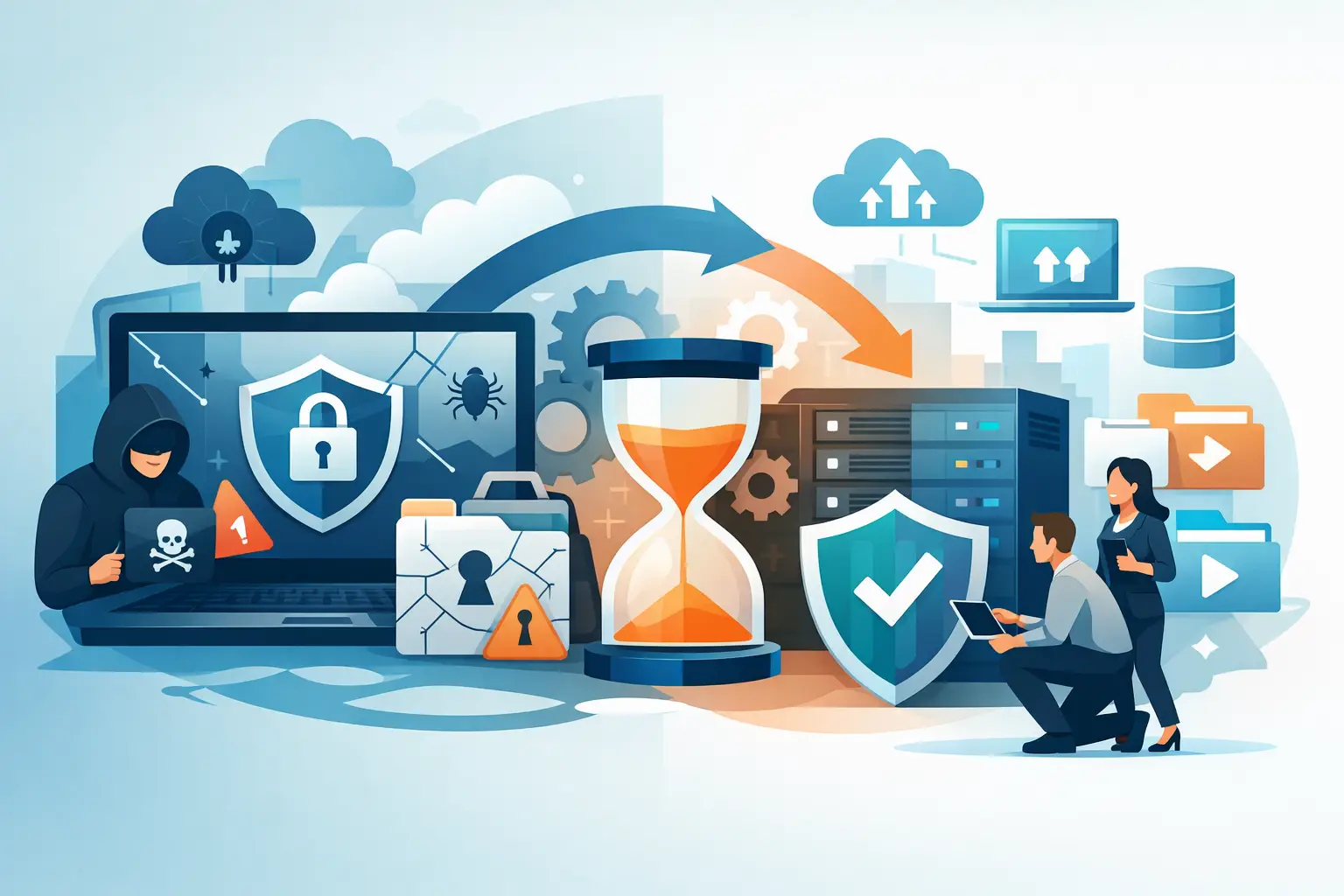
At 6:12 a.m. on a Monday, an MSP’s client discovered that its core file shares, virtual machines, and line-of-business application server were encrypted. The attack had also reached the backup environment. This ransomware recovery case study follows the decisions that got a mid-market manufacturer operating again in 36 hours – and the decisions that could have made the outage far worse.
The client was not a careless organization. It had endpoint protection, backups, a documented disaster recovery plan, and an internal IT manager. What it lacked was a recovery plan tested against an attacker who had already spent days inside the environment, understood the administrative pathways, and targeted the systems meant to save the business.
That distinction matters. A backup is not recovery. A recovery runbook is not an incident response capability. When production is down, the teams that succeed are doers, not just talkers. They establish facts, contain the damage, restore only what can be trusted, and keep business leadership informed without guessing.
The Incident: Encryption Was the Final Stage
The manufacturer ran a hybrid environment: on-premises virtualization for ERP, file services, engineering data, and identity services, with cloud productivity applications supporting daily collaboration. Its MSP managed the core infrastructure, while a separate security provider monitored alerts.
The attacker gained access through a compromised remote access account. Initial access was not detected as malicious because the login pattern appeared consistent with a legitimate user working after hours. Over several days, the attacker escalated privileges, mapped the network, accessed backup administration tools, and disabled or deleted recovery points where permissions allowed.
By the time the ransom note appeared, this was no longer a malware-cleanup job. It was an operational continuity event with security, infrastructure, legal, insurance, and customer commitments all moving at once.
The first mistake many teams make in this position is to begin restoring immediately. That feels productive, but it can reintroduce the attacker, overwrite evidence, and consume the limited clean infrastructure available. The MSP paused the restore process and brought in a specialized recovery team to lead diagnostics and discovery first.
Ransomware Recovery Case Study: The First Four Hours
The recovery team started with one question: what is actually safe to use? Not what the monitoring console claimed was healthy. Not what the backup dashboard marked as successful. What could be verified, isolated, and trusted.
The initial actions were direct:
- Disconnect affected systems and restrict administrative access paths.
- Preserve logs, ransom notes, virtual machine metadata, and authentication evidence for investigation and insurance requirements.
- Identify unaffected identity, network, backup, and cloud management components.
- Freeze automated backup jobs and replication tasks that could carry encrypted or compromised data into protected locations.
- Establish an incident command cadence with the MSP, client leadership, legal counsel, cyber insurance contacts, and security responders.
The team found that the primary backup repository had been damaged, but an immutable copy in separate storage remained intact. That copy was not immediately usable. It was several days old, required a clean recovery target, and contained more data than the client needed to resume business. Still, it changed the situation. The organization had a path that did not depend on negotiating with criminals.
The client also had one surviving domain controller, but its integrity could not be assumed. This created the most consequential technical decision of the engagement: restore the existing identity environment or build clean identity services and migrate recovery workloads into them.
Restoring the old domain would have been faster on paper. It also carried a material risk of restoring persistence, compromised accounts, group policy changes, or malicious tooling. The team chose the slower, safer option: stand up clean identity infrastructure, create restricted recovery administration, and validate each restored workload before reconnecting it to production services.
No excuses. The business needed to work, but it did not need to be put back into the same compromised environment.
Recover the Business, Not Every Server
The manufacturer initially asked for everything to be restored. That is understandable. It is also usually the wrong recovery objective.
A server-by-server rebuild would have delayed the return of shipping, invoicing, engineering, and customer service. Instead, the incident command team worked with department leaders to identify the minimum viable operating state. The priority was not infrastructure completeness. It was revenue protection and safe execution of customer commitments.
The recovery sequence became clear: identity and secure administration first, followed by networking and core security controls. Next came the ERP database and application tier, the file services required by production and engineering, and the print and integration services supporting warehouse operations. Lower-priority systems, historical archives, and nonessential departmental applications waited.
That prioritization exposed an uncomfortable truth. The documented business impact analysis was outdated. It listed several systems as critical that had little effect on immediate operations, while an older integration server had become essential to order processing without anyone updating the plan.
This is common in mature environments. Technology changes faster than documentation. The fix is not to blame the team that wrote the last plan. The fix is to treat recovery design as a living operational discipline, tested against the way the business works now.
Building a Clean Recovery Zone
The team built an isolated recovery zone rather than restoring directly into the production network. This zone had separate administrative credentials, tightly controlled network paths, new security tooling, and logging that could be monitored independently.
Each restored workload went through a validation process. Was the operating system patched to an acceptable level? Did endpoint controls report cleanly? Were local and service accounts understood? Did scheduled tasks, startup items, and remote management agents match approved baselines? Could the application function with the new identity and network dependencies?
This work can feel slow when leadership is watching the clock. It is faster than discovering, 12 hours later, that a restored server reintroduced attacker access or that an application cannot authenticate because a hidden dependency was missed.
The ERP system presented the hardest trade-off. The immutable backup was clean but 36 hours old. The client could restore it and begin processing orders, but some transactions would need to be reconciled manually. Waiting for a more recent source was not realistic. The business chose controlled manual reconciliation over extended downtime.
That was a business decision supported by technical facts, which is exactly how it should work. Engineers should explain risk, recovery point, and operational impact clearly. Leadership should decide which trade-off the business can absorb.
What Got the Client Back to Work
By hour 24, the team had clean identity services, protected administrative access, restored core networking, and a validated ERP environment. Warehouse and shipping operations resumed with a controlled workflow. Engineering regained access to the required project data shortly afterward. By hour 36, the manufacturer was processing orders, invoicing customers, and operating with temporary restrictions rather than a full shutdown.
Full normalization took longer. Some users received new devices. Passwords and service credentials were reset in stages. Legacy systems were reviewed before being allowed back onto the network. The forensic investigation continued in parallel, and the MSP maintained a heightened monitoring posture.
The result was not magic. It came from disciplined triage, clean recovery architecture, and an incident structure that prevented technical teams from being pulled in five directions. The MSP remained the trusted client-facing partner while specialized recovery resources supplied the depth and capacity needed for a high-stakes event.
The Recovery Gaps That Required Permanent Fixes
After the immediate crisis, the client and MSP turned the incident into a hardening program. The work focused on separating backup administration from production identity, expanding immutable and offsite recovery copies, implementing stronger privileged access controls, and testing restoration at the application level.
They also rebuilt the recovery documentation around business services instead of technology towers. “Restore the ERP environment required to ship product” is a useful objective. “Restore VM cluster A” is not enough. The first statement tells everyone what success looks like. The second merely describes a component.
Mavenspire’s SMARTaaS approach fits this kind of work because discovery comes before design. Before recommending controls or recovery platforms, the team needs to know the actual dependencies, administrative pathways, recovery-point requirements, and operational constraints. Otherwise, an organization can spend heavily and still discover that its recovery plan fails at the moment it matters.
The Lesson for IT Service Providers
A ransomware event tests more than security tools. It tests whether the provider can lead under pressure, make defensible decisions with incomplete information, and bring in the right expertise before the client’s downtime becomes a business-ending problem.
Your client does not need a promise that every incident will be painless. They need a partner that can diagnose the real condition, isolate the risk, build a clean path forward, and keep the work moving when the environment is at its most chaotic. Test the recovery plan before an attacker tests it for you.