


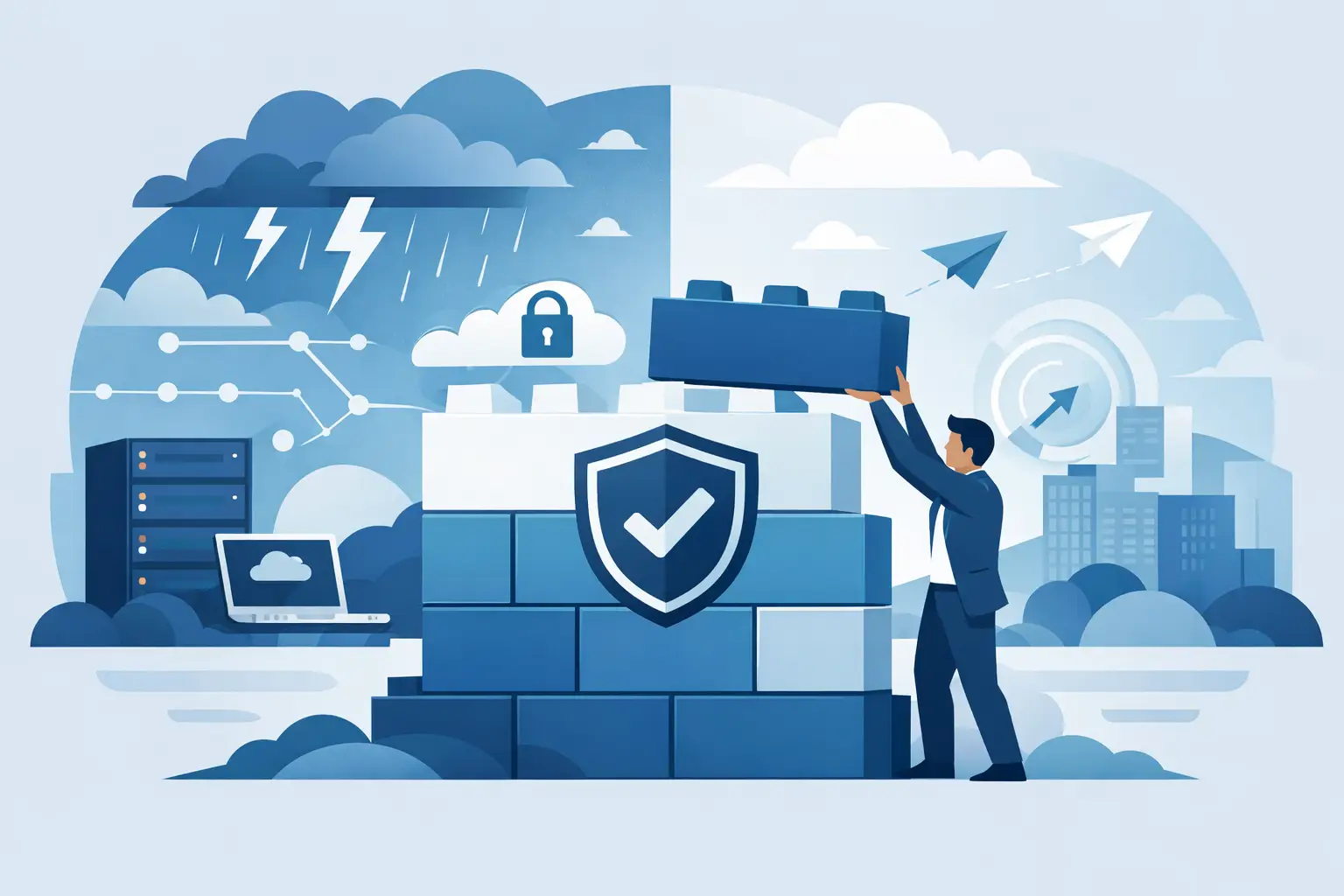
Most companies do not realize their resilience problem during planning. They find it at 2:13 a.m. when a failed update knocks out remote access, backups are untested, and the one engineer who knows the environment is on a plane. That is the real starting point for how to build IT resilience – not a policy deck, but the moment your operation is forced to prove it can take a hit and keep moving.
For MSPs, MSSPs, SIs, VARs, and internal IT leaders supporting demanding clients, resilience is not the same as uptime. Uptime is a metric. Resilience is the ability to absorb failure, contain damage, recover fast, and learn enough to reduce the odds of a repeat event. If your systems come back eventually but your team burns out, your customers lose confidence, or your data integrity is in question, that is not resilience. That is survival with collateral damage.
How to build IT resilience starts with diagnosis
The fastest way to waste money is to treat resilience as a shopping list. Buy more backup, add another security tool, spin up a second cloud region, and hope the stack somehow becomes safer. It rarely works that way. Resilience starts with diagnostics and discovery because you cannot protect what you do not understand.
Begin with business impact, not hardware inventory. Which services actually matter when things go wrong? For a service provider, that may be ticketing, identity, remote management, security telemetry, client connectivity, and the systems that support billing or compliance. For an enterprise IT team, it may be ERP, communications, production systems, field operations, or a narrow set of applications that keep revenue flowing.
Once those services are clear, map the dependencies behind them. That is where the ugly truth usually shows up. A mission-critical workload may rely on a forgotten DNS configuration, a single storage array, a fragile VPN, or a manual process no one documented. Resilience work gets real when you expose those hidden single points of failure.
This is also where leadership needs straight answers on recovery objectives. If the business says an application can only be down for 15 minutes, but the backup architecture can only restore it in four hours, the gap is not theoretical. It is a known operational failure waiting for a trigger.
The core parts of an IT resilience strategy
A workable resilience strategy is built from a few connected disciplines. Miss one, and the whole structure gets shaky.
Architecture matters first. Systems should fail in contained ways, not in chains. Segmentation, redundancy, isolation, and clean dependency design matter more than clever diagrams. A simple environment with known failure domains is often more resilient than a complex one loaded with premium tools.
Recovery comes next. Backup is part of resilience, but only part. You need recoverability, which means protected data, known recovery paths, tested restoration, and confidence that the recovered system is usable. A backup that restores corrupted data or takes too long to matter is a false comfort.
Security is inseparable from resilience. Many outages are no longer random failures. They are caused by ransomware, identity compromise, misconfiguration, or supply chain exposure. If attackers can laterally move through your environment or disable recovery tools, your resilience plan is already broken.
Operations tie everything together. Monitoring, alerting, incident handling, change control, documentation, and escalation paths are not administrative overhead. They are how you detect issues early and prevent small failures from becoming full outages.
People are the last major component, and often the weakest. If key knowledge lives in one engineer’s head, if handoffs are sloppy, or if no one knows who owns recovery decisions during an incident, the environment is fragile no matter how much you spent on technology.
Build for failure, not for perfect conditions
A lot of IT planning still assumes orderly conditions. Normal workloads. Staff available. Clean maintenance windows. Stable vendors. That is not how incidents behave.
Real resilience planning assumes stress. Your primary admin may be unavailable. Your monitoring may be noisy or partially blind. An infrastructure failure may happen at the same time as a cyber event. A cloud dependency may fail outside your control. The question is not whether this can happen. It can. The question is whether your design, runbooks, and team structure can hold together when it does.
That changes how you engineer systems. It pushes you toward standardization where it counts, because exotic one-off builds are hard to support under pressure. It favors automation for repeatable recovery tasks, but with enough human oversight to avoid automating bad decisions. It also demands offline or isolated recovery options for critical assets, because assuming your management plane will always be available is a mistake.
There is a trade-off here. More redundancy and stronger controls usually mean more cost, more operational overhead, and sometimes slower change. That is why resilience cannot be designed in a vacuum. You are balancing business tolerance, budget, risk appetite, and operational maturity. No excuses, but also no fantasy architecture.
How to build IT resilience in the real world
The practical path is usually phased. First, stabilize what already exists. That means identifying obvious single points of failure, cleaning up broken backup jobs, reducing unmanaged sprawl, tightening identity controls, and documenting critical dependencies. You are not chasing perfection. You are removing known weaknesses that could take you down fast.
Next, improve your ability to detect and respond. Strengthen monitoring around business-critical services, not just infrastructure components. Build alerting that helps the team act instead of drowning them in noise. Define incident roles before the next outage, so decisions do not stall in the middle of a crisis.
Then harden recovery. Test restores at the application level, not just file-level success messages. Validate recovery times against business expectations. Run tabletop exercises and live failover tests where appropriate. If a test exposes gaps, good. That is the point. Better to break the plan in rehearsal than in front of customers.
After that, modernize selectively. Not every legacy system needs to be ripped out immediately, but some environments are so brittle that patching around them becomes more dangerous than change itself. This is where experienced engineering judgment matters. Sometimes the right answer is high availability. Sometimes it is migration. Sometimes it is containment and a defined retirement plan.
For channel partners and providers, there is another reality: your own resilience becomes part of your customer promise. If your support systems, security controls, documentation quality, or staffing model are weak, your clients inherit that risk. Building resilience internally is not separate from service delivery. It is service delivery.
Common mistakes that weaken resilience
The biggest mistake is confusing tool ownership with preparedness. Buying a backup platform, an EDR product, or a DRaaS service does not mean the environment is resilient. It means you own components that still need architecture, policy, testing, and operations.
Another common failure is setting recovery targets with no engineering proof behind them. Leadership hears a number they like. Operations nods. Then an incident exposes that no one actually validated whether those targets were achievable.
There is also the staffing trap. Many organizations build plans around ideal personnel availability. That works until vacations, turnover, growth, or burnout hit. Resilience requires cross-training, documentation, and operational discipline so the team can execute even when the usual experts are unavailable.
Finally, too many organizations treat resilience as a project with an end date. It is not. Environments change, threats change, business priorities change. A design that worked 18 months ago may now be dangerously outdated.
What mature IT resilience looks like
Mature resilience does not always look flashy. It often looks controlled. Critical services are known. Dependencies are mapped. Recovery objectives are realistic. Backup and restore are tested. Identity and access are tightened. Monitoring is useful. Incident roles are clear. Change is governed without strangling delivery.
Just as important, mature organizations know where they are still exposed. They do not pretend every risk is eliminated. They track gaps, assign ownership, and make deliberate decisions about what to fix now versus later.
That is the difference between theory and execution. Doers, not just talkers, build resilience by turning assumptions into evidence. In practice, that may mean bringing in outside specialists to diagnose complex dependencies, validate architecture, or support migration and recovery planning when internal bandwidth is thin. The point is not who gets the credit. The point is getting the environment into a state where failure is survivable and recovery is credible.
If you want to know whether your organization is resilient, do not ask whether the tools are in place. Ask whether your team could take a serious hit this week, recover in a way the business can live with, and explain exactly what would happen next. If the answer is fuzzy, that is where the work starts.